
**Self-hosted photo sharing for event photographers.**
[](https://opensource.org/licenses/MIT)
[](https://www.docker.com/)
[](https://nodejs.org/)
[](https://reactjs.org/)
[Live Demo](https://demo.picpeak.app) · [Deployment Guide](DEPLOYMENT_GUIDE.md) · [Homepage](https://www.picpeak.app)
---
PicPeak lets you create password-protected, time-limited photo galleries for your clients — hosted on your own server. No subscriptions, no storage limits, no third-party access to your photos.
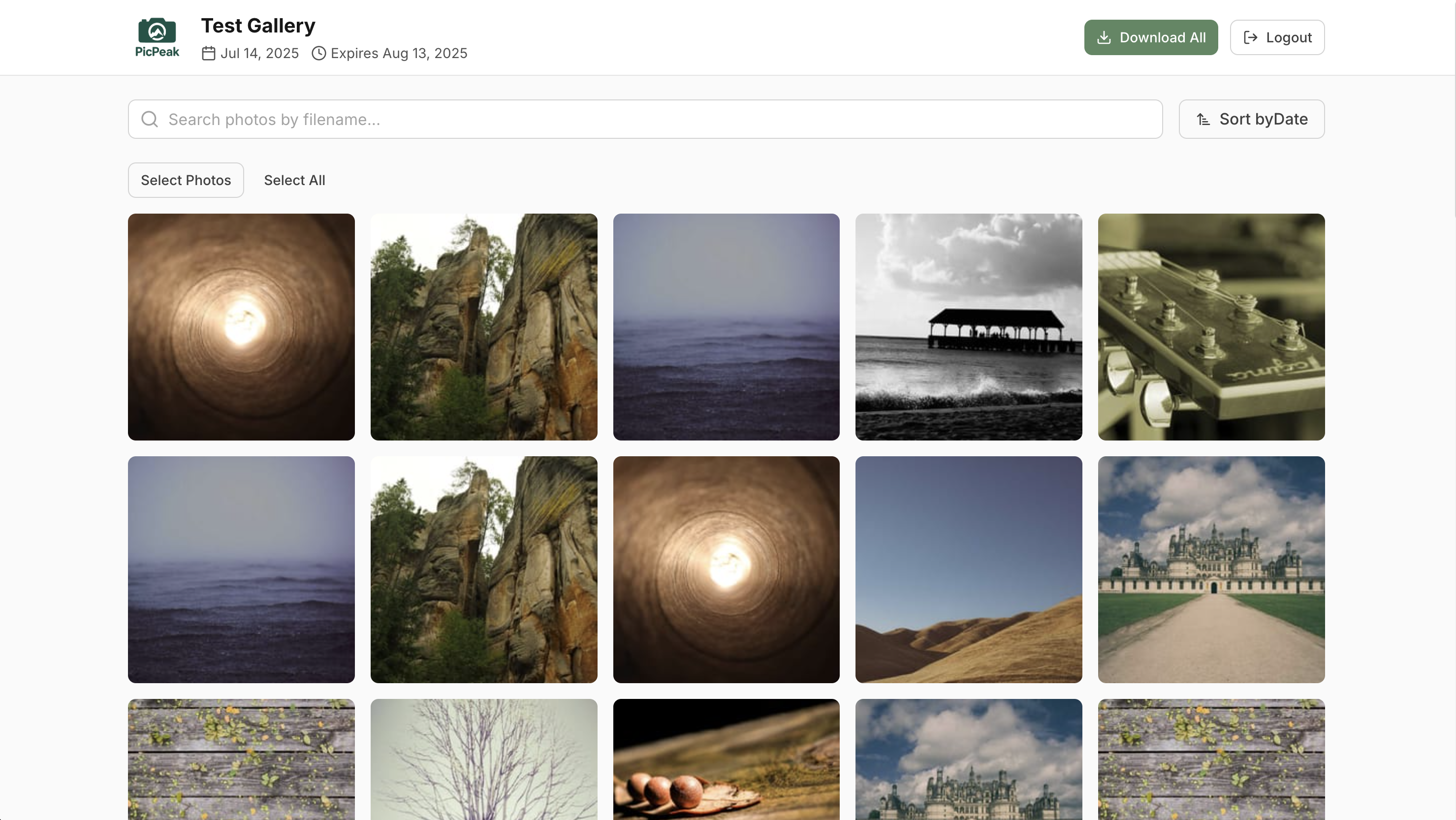
## Demo
Try it out at [demo.picpeak.app](https://demo.picpeak.app).
Admin panel: [demo.picpeak.app/admin](https://demo.picpeak.app/admin) — login with `demo@picpeak.app` / `Demo2026!`
> The demo resets periodically.
## Features
**Gallery Management** — Create galleries, upload photos via drag & drop, set passwords and expiration dates. Galleries auto-archive when they expire. Events start as drafts so you can upload and prepare before notifying the client.
**Client Experience** — Responsive galleries that look great on any device. Guests can browse, download individual photos or everything at once. Optional guest uploads and feedback (likes, comments, ratings).
**Themes & Branding** — 11 built-in theme presets, custom CSS templates, configurable colors/fonts/layouts. White-label your admin panel and login page with your own logo and company name.
**Email Notifications** — Automated gallery creation, expiration warning, and archive emails. Multilingual templates (EN, DE, NL, PT, RU) editable from the admin UI.
**Photo Protection** — Watermarking, right-click prevention, canvas rendering, DevTools detection. Configurable per gallery.
**External Media** — Reference photos from a mounted folder instead of uploading. PicPeak reads originals in place and generates thumbnails on demand.
**Multi-Language** — Full UI translations for English, German, Dutch, Portuguese, and Russian. Email templates support all languages independently.
**Analytics** — Built-in view/download tracking plus optional Umami integration for privacy-focused analytics.
**Video Support** — Upload and stream MP4, WebM, MOV alongside photos. FFmpeg bundled via npm.
**Multiple Admins** — Role-based access control with super admin, admin, and editor roles.
## Quick Start
```bash
git clone https://github.com/the-luap/picpeak.git
cd picpeak
cp .env.example .env
# Edit .env — set at least JWT_SECRET and passwords
docker compose up -d
```
Open `http://localhost:3000` and log in with the credentials from your `.env`.
> **Permissions:** Set `PUID` and `PGID` in `.env` to match your host user (`id -u` / `id -g`) so Docker volumes are writable.
See the [Deployment Guide](DEPLOYMENT_GUIDE.md) for reverse proxy setup, SSL, external media, and production configuration.
## Screenshots


